
Section: Tracking · Last updated: October 26, 2026
This guide is based on the Electronic Frontier Foundation’s Cover Your Tracks “Learn” page and the W3C Group Note “Mitigating Browser Fingerprinting in Web Specifications” (September 25, 2025, Sections 3 and 6). It is general information, not a guarantee of anonymity.
Clearing cookies does not stop every form of tracking. A site can also recognise your browser by the details it shows about itself, such as its version, screen size and installed fonts. Put together, those details form a browser fingerprint. The W3C defines fingerprinting as “the capability of a site to identify or re-identify a visiting user, user agent, or device via configuration settings or other observable characteristics”.
The EFF compares the two methods this way: cookies track you until you delete them, while fingerprint identifiers are “harder to change and impossible to delete”.
1. Cookies and fingerprints compared
| Question | Cookie | Fingerprint |
|---|---|---|
| Where it lives | Stored in your browser by the site | Built by the tracker from characteristics your browser shows |
| Can you see or delete it? | Yes; browsers let you block, limit or delete cookies | No stored item to delete |
| What it is made of | An identifier the site chose | Many small details, such as screen resolution and installed fonts, combined |
| Does private browsing reset it? | Cookies from the private session are not kept on your machine | Not by itself; the EFF notes Chrome’s Incognito Mode does not protect against fingerprinters |
2. The ways a browser can be fingerprinted
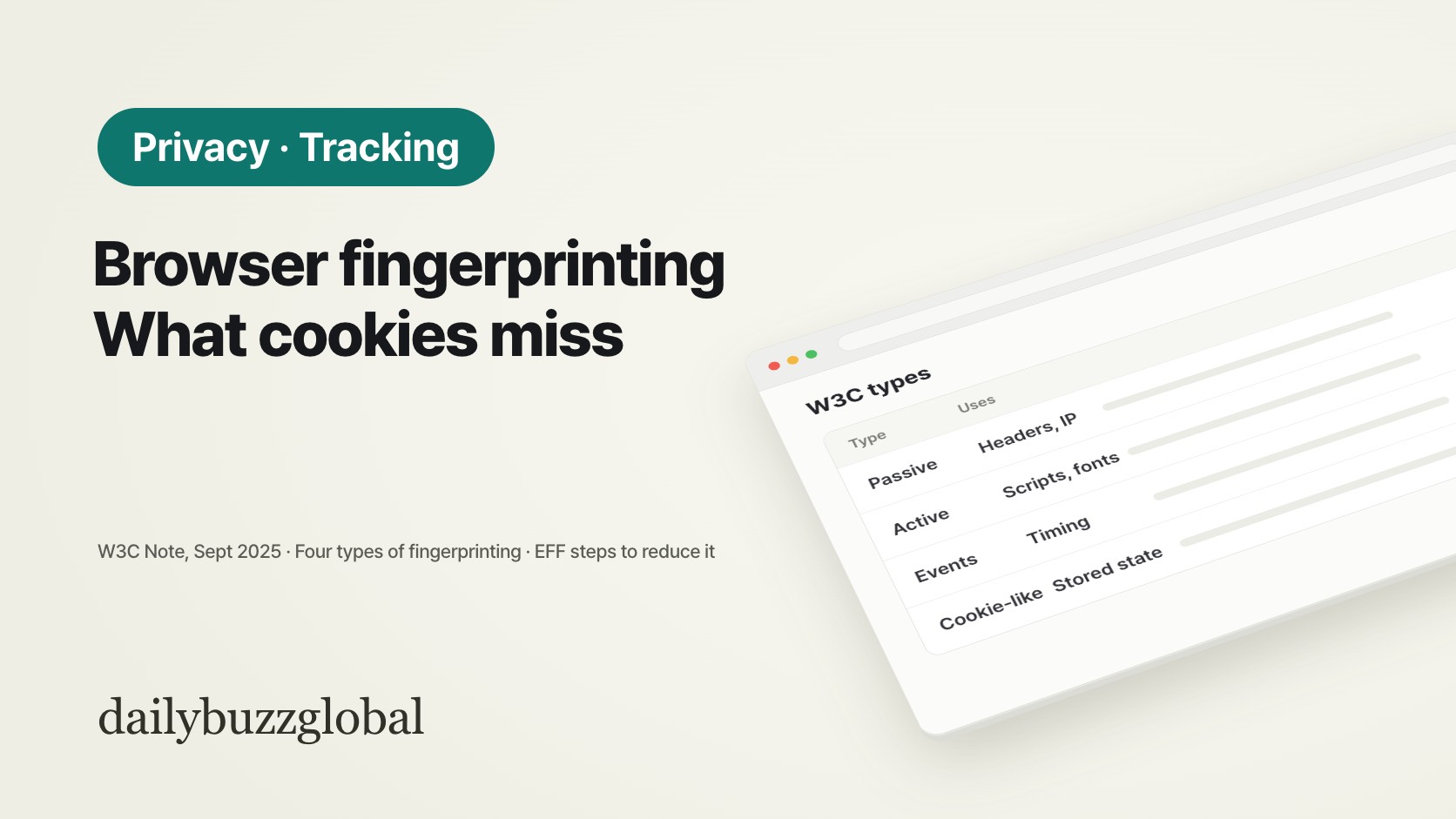
The W3C Note sorts fingerprinting into four types:
| Type | How it works | Examples in the Note |
|---|---|---|
| Passive | Uses what is visible in ordinary web requests, without running code on your device | HTTP request headers, the User-Agent string, IP address and other network information |
| Active | The site runs JavaScript or other code (sometimes CSS) to observe more characteristics | Window size, lists of fonts or connected devices, performance, device sensors, rendering graphical patterns |
| Transient event correlation | Links separate sessions on one device by events that happen at nearly the same time on several sites | A change in device posture or in the available media devices |
| Cookie-like | Sets some stored state and reads it back later, as a cookie would | Abuse of a cached flag such as whether an HSTS header was set, or old Flash storage used to restore deleted cookies |
The Note adds that for some groups of users, the User-Agent and IP address alone will often identify a particular browser. Active fingerprinting differs in one useful way: because it runs on your device, it is potentially detectable there, which is what tracker blockers rely on.
3. What reduces it, and the trade-offs
| Step (EFF) | What it does | Trade-off |
|---|---|---|
| Tracker blocker | Blocks scripts that match lists of known trackers, so they cannot read your fingerprint | Blocks some, not all; more advanced techniques may still gather information |
| Browser tracking settings | Chrome, Firefox and Safari all have settings that disable certain types of tracking | Described as reliably effective, but not as robust as a dedicated tracker blocker |
| Disabling JavaScript | Most trackers run on JavaScript and gather much less without it | Breaks a large number of websites |
| Fingerprint-resistant browser | Makes your fingerprint less unique or less consistent; the EFF names Tor Browser and Brave | How this is done varies from browser to browser |
The EFF describes two approaches that work against fingerprinters it does not already know about: a fingerprint so common that you blend into the crowd, as in Tor Browser, or one that is randomised so a tracker cannot match it from one moment to the next, as in Brave. The W3C Note, written for people who design web standards, leans towards the first: it expects standardising or nulling values to work better than randomising them, because users then “look the same as a larger group of people”.
4. A setting change can make you easier to spot
Both sources warn against changing single values by hand. The EFF’s example: if you use Safari but set your browser to report itself as Chrome because Chrome is more common, every other detail still points to Safari. You may become the only browser that “identifies itself as Chrome but looks like Safari”. The EFF also notes that an unusual mix of privacy add-ons can itself become part of your fingerprint.
A safer route is to use the protections built into a browser or a widely used blocker as they come, rather than hand-editing individual values.
5. Check your own browser
- Run the EFF test. Visit Cover Your Tracks (coveryourtracks.eff.org). It summarises your protection and lists the characteristics that make up your fingerprint.
- Change one thing at a time. Turn on a browser’s tracking protection or add a tracker blocker, then run the test again to see what changed.
- Keep the setup you can live with. The EFF says the tool’s goal is to help you find your own balance between privacy and convenience.
FAQ
Q. Does a VPN stop fingerprinting?
A VPN changes the IP address a site sees, which is one passive signal in the W3C list. Active characteristics such as window size or fonts are read from the browser itself, so they are not changed by a VPN alone.
Q. Does private or Incognito mode help?
Its original purpose was to avoid storing traces on your own machine, not to stop remote trackers. The EFF notes that Firefox Private Browsing blocks known trackers and fingerprinters on the Disconnect list, while Chrome’s Incognito Mode offers no protection against them.
Q. Is fingerprinting covered by the GDPR?
The EFF’s 2018 analysis argues that fingerprinting used to track people is processing of personal data under the GDPR. How a regulator treats a specific case depends on the facts.
Q. Can I remove a fingerprint once it is made?
There is nothing stored on your device to delete. What you can do is reduce what trackers can read from now on and make your browser look less distinctive.
Official sources
- Electronic Frontier Foundation — Cover Your Tracks, “Learn” (coveryourtracks.eff.org/learn)
- Electronic Frontier Foundation — “The GDPR and Browser Fingerprinting” (June 19, 2018)
- W3C — Mitigating Browser Fingerprinting in Web Specifications, W3C Group Note (September 25, 2025)
This article is general information. Browser features change between versions; check your browser’s own privacy settings and help pages for current behaviour.