
Section: Account security · Last updated: October 26, 2026
This guide is based on NIST Special Publication 800-63B-4 (Digital Identity Guidelines: Authentication and Authenticator Management, Sections 3.1.1 and 3.2.5 and Appendix B) and the W3C Web Authentication Level 3 specification (Recommendation, August 25, 2026). It is general information, not security advice for a specific system.
A passkey and a password both get you into an account, but they work in opposite ways. With a password, you type a secret and send it to the website, which checks it against what it stored. With a passkey, a secret key stays on your device; the website only holds a matching public key, and your device proves it has the private key by signing a fresh challenge. The W3C WebAuthn specification describes multi-device credentials as “commonly referred to as synced passkeys”, and NIST calls the same thing syncable authenticators.
1. Side by side
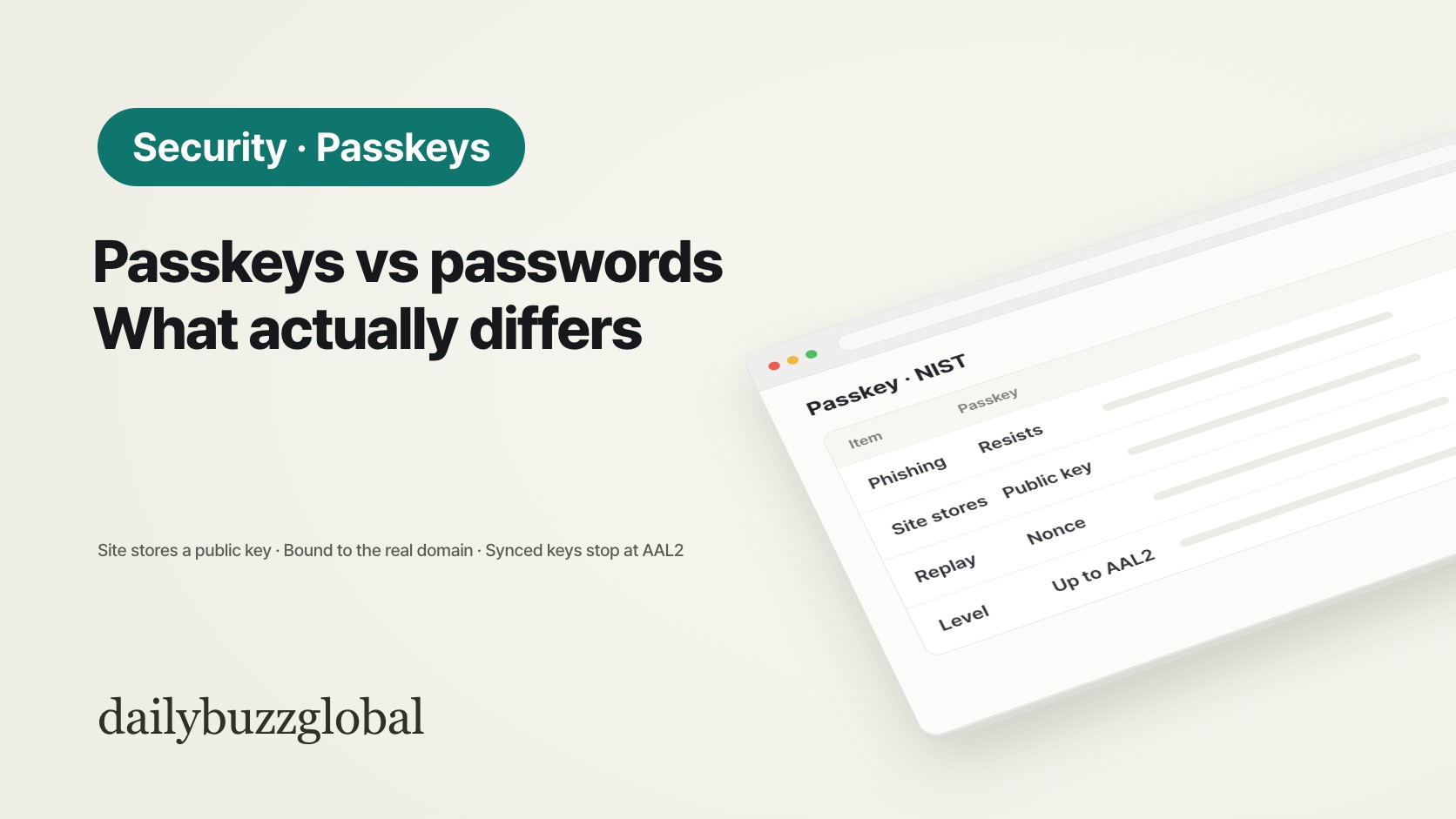
| Question | Password | Synced passkey |
|---|---|---|
| What the website stores | A salted hash of the password (NIST requires salting and hashing, § 3.1.1.2) | A public key; the private key stays with the authenticator |
| What travels at sign-in | The password itself, over an encrypted channel | A signature over a random challenge |
| Fake login page | “Passwords are not phishing-resistant.” (§ 3.1.1) | The key is tied to the domain where it was created, so a look-alike site cannot use it (Appendix B) |
| Reuse of a captured login | A stolen password works until it is changed | Each sign-in includes a random nonce, so an old response cannot be replayed (Appendix B) |
| What you do | Remember or store the secret and type it | Unlock with the device PIN or biometric (the “activation factor”) |
| Highest NIST level on its own | Single factor (AAL1) | Up to AAL2; syncing rules out AAL3 |
The last row needs one condition: a passkey counts as two factors only when the device actually checked your PIN or biometric. WebAuthn reports this with the User Verified (UV) flag, and NIST describes the verifier prompting for an additional factor when it is missing.
2. Why a passkey resists phishing
NIST SP 800-63B-4 § 3.2.5 recognizes two ways an authentication protocol can resist phishing: channel binding and verifier name binding. WebAuthn, the standard used by authenticators that implement the FIDO2 specifications, is the document’s example of verifier name binding: the authenticator picks its key based on the authenticated domain name of the site.
In practice, a key created for example.com is never offered to examp1e.com. A password has no such check. If a convincing copy of the login page asks for it, you can still type it in.
3. What syncing changes
A synced passkey is copied to a “sync fabric”, usually the cloud account of your phone or password manager, so it can be used on your other devices. NIST Appendix B sets conditions for accepting this at AAL2:
- Keys in the sync fabric must be stored encrypted, and access to the sync fabric itself must be protected by multi-factor authentication.
- The private-key operations still take place on your device.
- The user interface should show which services have keys and where they are synced.
The trade-off is stated plainly: “Syncing authentication keys inherently means that the key can be exported.” That is why NIST allows synced passkeys at AAL2 but says syncing “violates the non-exportability requirements of AAL3”. A device-bound passkey, such as one kept on a hardware security key, does not leave the device. Services can tell the two apart through the WebAuthn Backup Eligible and Backup State flags; NIST notes that a key that can be synced has not necessarily been synced.
This also means the security of your passkeys depends on the account that syncs them. Protect that account with a strong sign-in and a second factor.
4. If you still use passwords: what NIST now requires
Most accounts will keep a password for some time. The current NIST rules for services that accept passwords (§ 3.1.1) differ from older habits:
| Rule | SP 800-63B-4 |
|---|---|
| Minimum length, password as the only factor | 15 characters (SHALL) |
| Minimum length, password as part of MFA | 8 characters (SHALL) |
| Maximum length allowed | At least 64 characters (SHOULD) |
| Composition rules (mix of character types) | Must not be imposed (SHALL NOT) |
| Periodic forced changes | Must not be required; a change is forced only on evidence of compromise |
| Blocklist | Commonly used, expected or compromised passwords are refused |
| Password hints | Must not be stored where an unauthenticated person can see them |
For you as a user, this points to long passphrases, a different password for each site, and a password manager, rather than short strings with symbols changed every 90 days. These rules are written for U.S. federal systems, but many private services follow them.
FAQ
Q. Does the website get my fingerprint or face?
No. The biometric or PIN unlocks the key on your device; NIST describes it as an activation factor used locally. The website receives the signed response and the User Verified flag.
Q. If I lose my phone, do I lose my passkeys?
Not if they are synced passkeys: they remain in the sync fabric and can be used from another device signed in to the same account. A device-bound passkey on a lost security key is gone, so keep a second sign-in method registered with the service.
Q. Can I sign in on a computer that does not have my passkey?
The WebAuthn use case describes this: the browser offers an external authenticator, such as a linked phone or a security key, and you approve the sign-in on that device.
Q. Should I delete my password once I add a passkey?
That depends on the service. Some keep the password as a fallback. While it exists, it can still be phished, so make it long and unique.
Official sources
- NIST Special Publication 800-63B-4 (pages.nist.gov/800-63-4) — Sections 3.1.1 (Passwords), 3.2.5 (Phishing Resistance), Appendix A (Strength of Passwords) and Appendix B (Syncable Authenticators)
- W3C — Web Authentication: An API for accessing Public Key Credentials, Level 3 (W3C Recommendation, August 25, 2026), Section 1.2 use cases
- FIDO Alliance (fidoalliance.org) — publisher of the FIDO2 specifications
This article is general information. How passkeys are offered, synced and recovered differs between services and platforms; check your service’s own help pages.